Showing posts with label Reading. Show all posts

Friday, July 29, 2011

Two Recommended Websites For General English Practice

As I mentioned a while ago, I often have my students complete practice logs. It's a good way to encourage them to practice, and it's also a good way for me to find new language-learning resources that I can pass on to other students. 

This week my student Henry included two good websites in his practice log, and I wanted to mention them here. 

The first is apparently called Randall's ESL Cyber Listening Lab (although the URL is simply "esl-lab.com," which seems much easier). As the name indicates, it's got a lot of listening exercises with audio, partial scripts, quizzes, and vocabulary highlights. It's even got cultural tips in some of the sections, so the site is pretty great. The topics are very diverse, from pizza delivery to how to behave in a Japanese public bath. There seem to be between 200 and 300 different pages with different topics, and they're conveniently arranged according to difficulty. Check it out!

The second link my student visited was engvid.com. It's also got a self-explanatory name, as it's mainly focused on videos. If you scroll down on the home page, you'll see different topics like business English, grammar, pronunciation, and even my favorite, idioms. The grammar section alone has 105 videos, so there's plenty of material to keep you busy for a while! Check it out, and enjoy!

Thanks for reading, and if you have any additional suggestions for online practice, please leave a comment. Have a great day!

Wednesday, March 9, 2011

Open Your Brain!

I recently read a book called The Art of Non-Conformity by Chris Guillebeau (click here for a short review I wrote). I liked the book, and I wanted to mention an idea that the author talked about. One of his pieces of advice for improving understanding of the world is to read a new Wikipedia article every day. He says:

"Set your home page to http://en.wikipedia.org/wiki/Special:Randompage. Over the next year, every time you open your browser, you'll see a different, random Wikipedia page. Read it. Cost: $0."

Actually, that sounds like a great idea to me if you want to learn English! This trick works with other languages, too, but the address would be slightly different. For example, you can try a random article in these languages:


You can apparently do this with any other language that uses Wikipedia, if you know where to click; another option is to simply open Wikipedia and type [alt-x] to get a random article.

Finally, if you're learning English, did you know that there's a "simple" version of Wikipedia? You can find it here. It has shorter, more basic versions of articles. If you want a random, simple article, click here.

So, have fun exploring a bit! If you find anything interesting, tell us in the comments. Thanks for reading, and have a great day!

Sunday, February 20, 2011

Free Kindle Resources - And You Don't Actually Need The Kindle Reader!


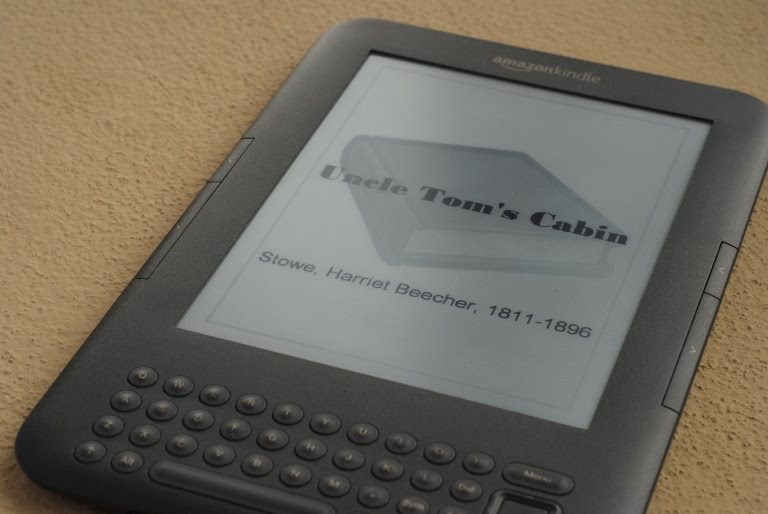
The Simple Dollar just had a post about free resources for Kindle. Remember, a Kindle reader is the little grey machine that you can buy to read e-books, but you don't actually need the physical machine to use the Kindle program. Instead, you can just download the free program for your computer, phone, or other device. Click here for more information and the download link.

In any case, the resources listed on The Simple Dollar are all quite good, so take a look!

Update 21-Feb-2011: My friend Brad told me about this link, which can help you create your own ebooks from pdf, doc, or Word files. Thanks, Brad!